Vision Boardz

Dream. Design. Manifest.

Vision Boardz turns your goals, intentions, and inspiration into a beautiful board you'll actually see every day. Design dream boards and mood boards with photos, text, and shapes — then set them as your Mac desktop wallpaper.

Download on the Mac App Store

A one-time purchase — no subscriptions, no ads, no tracking

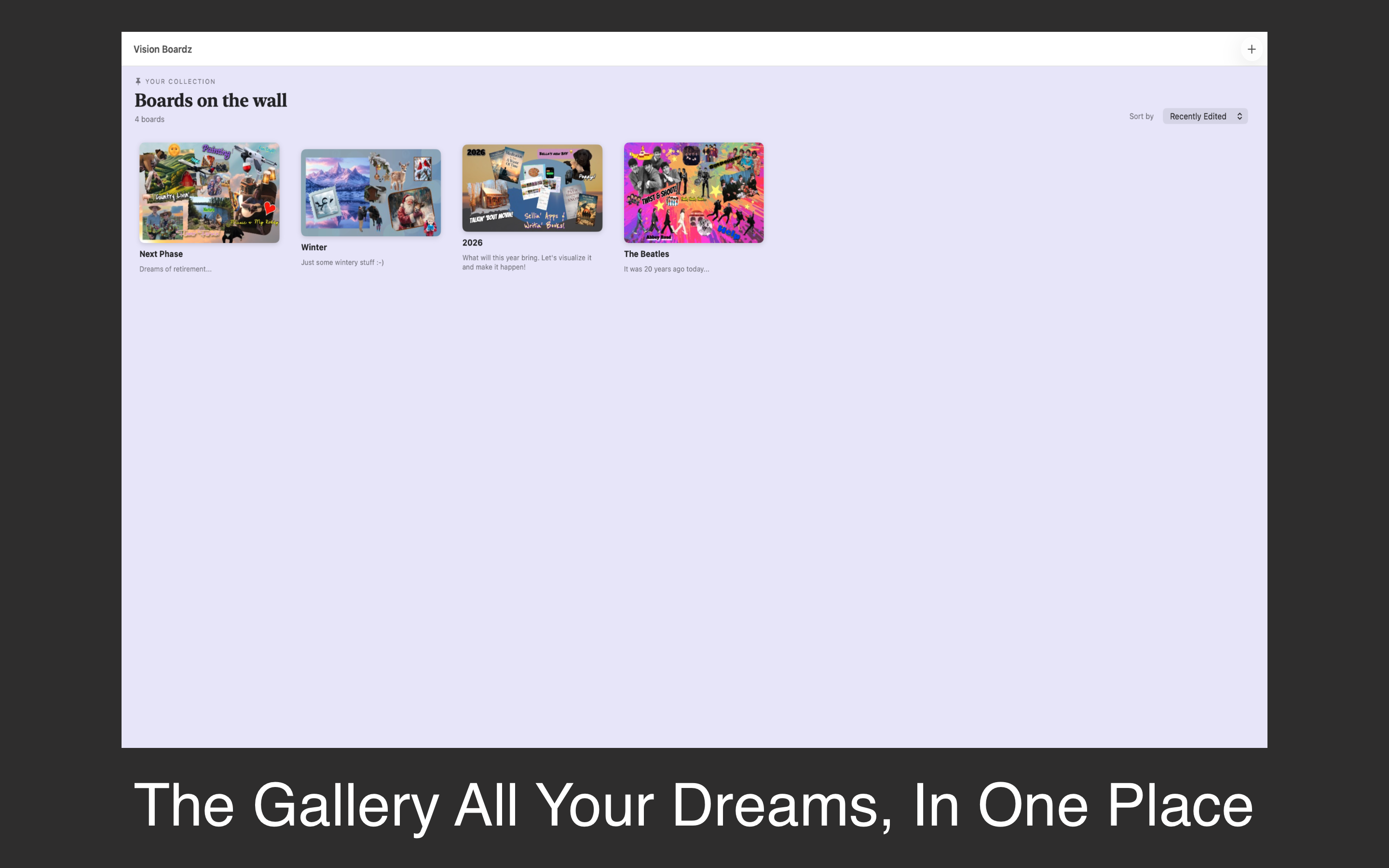
Vision Boardz gallery — all your vision boards in one place

Everything you need to picture your future

A focused, elegant space to build a vision and bring it to life on your Mac.

🖼️

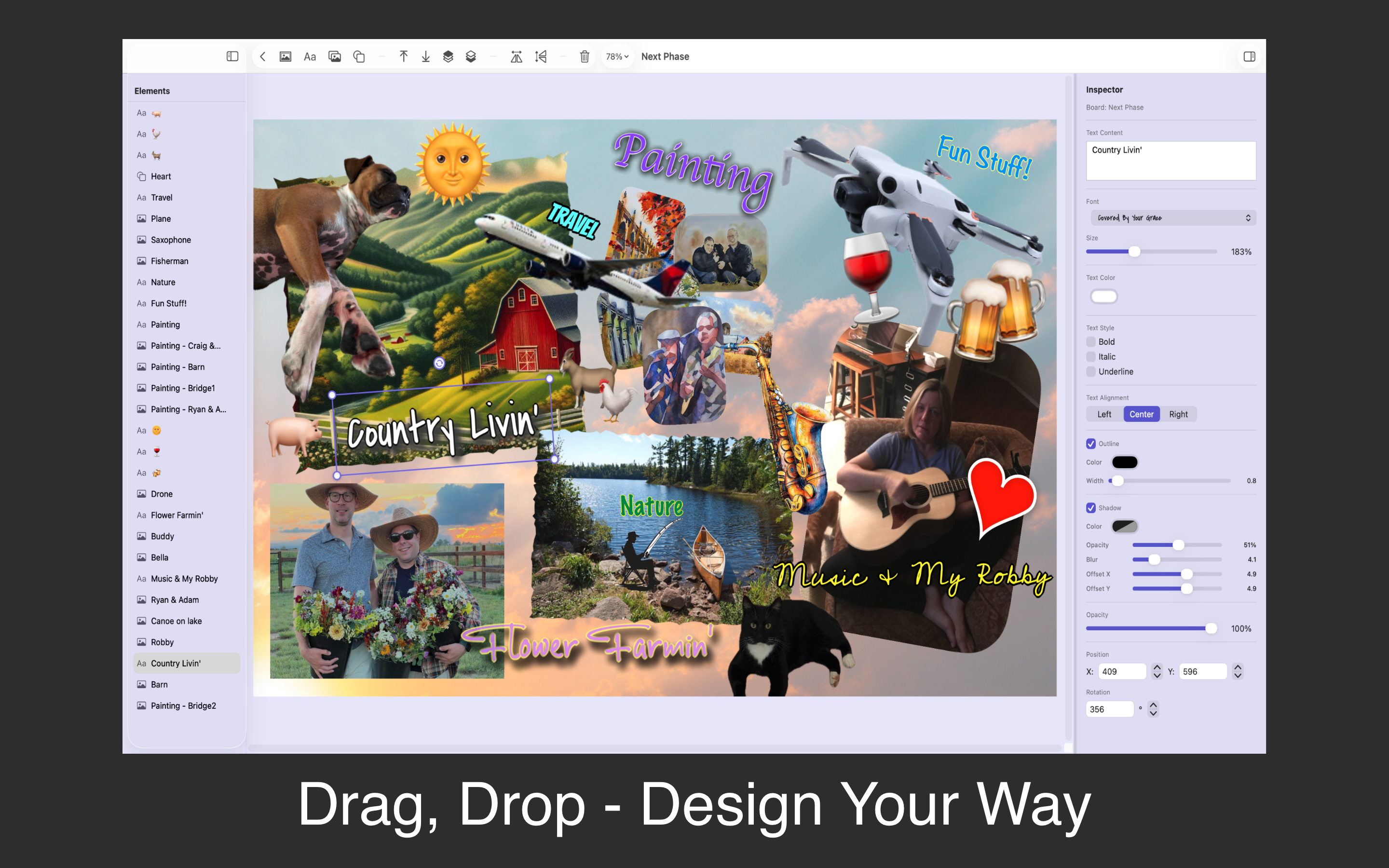
Drag-and-Drop Design

Add photos, type out affirmations and quotes, and arrange decorative shapes — all with intuitive drag, resize, and rotate. Build your board exactly your way.

🎨

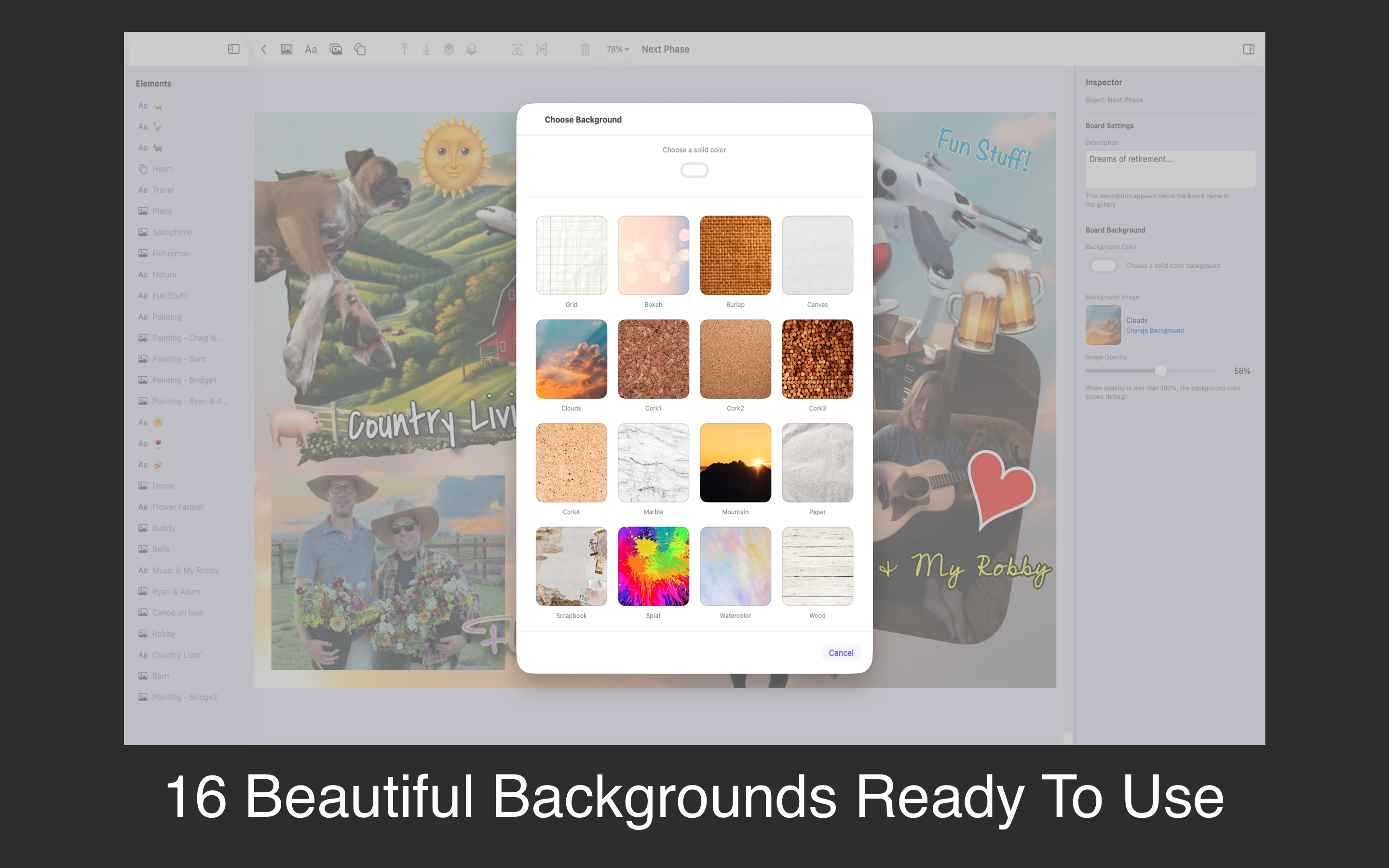
16 Beautiful Backgrounds

Start from a curated library of textures — cork board, burlap, watercolor, marble, paper, wood, scrapbook, clouds, and more — or bring your own image.

✂️

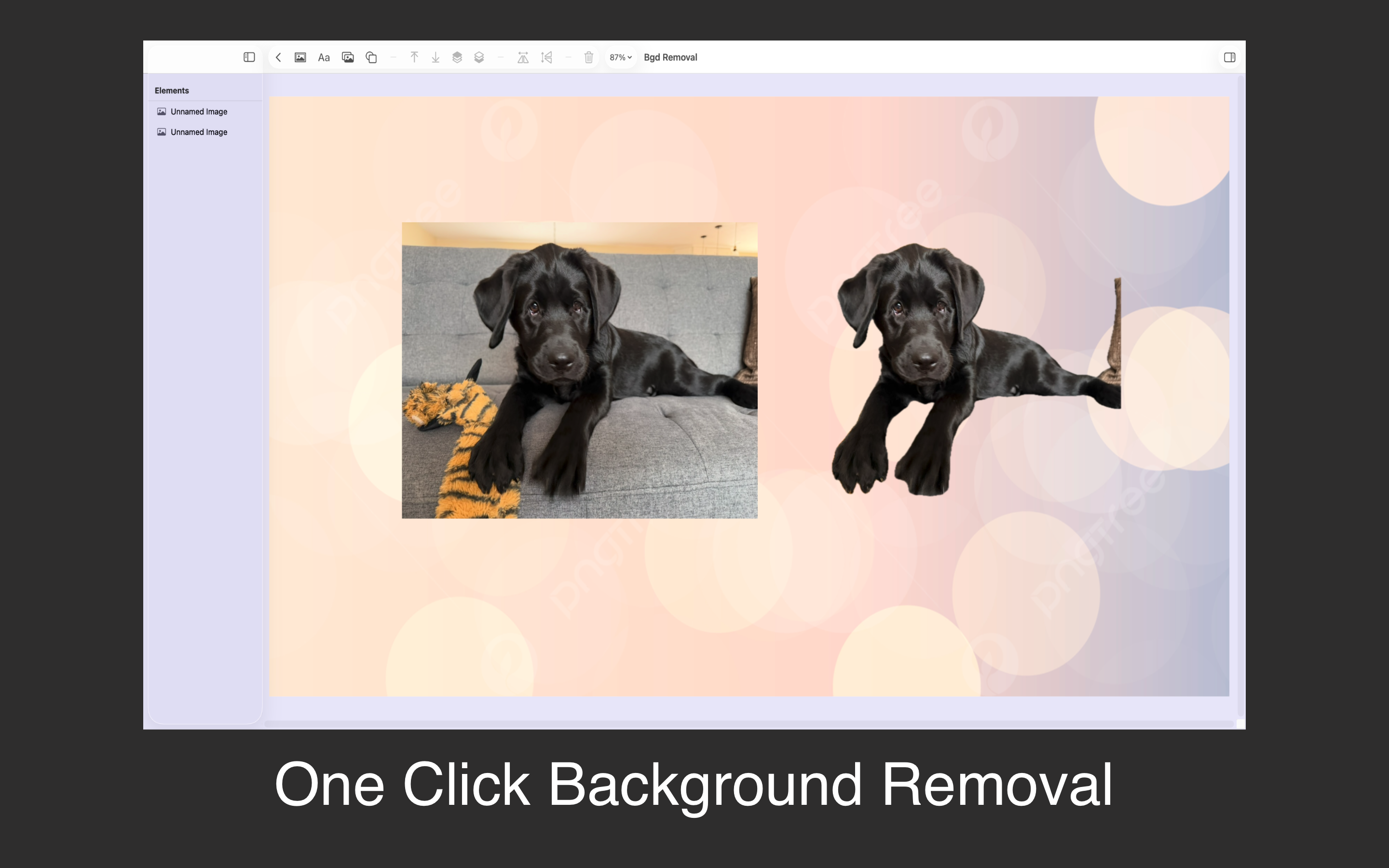
One-Click Background Removal

Drop in a photo and remove its background instantly. Layer clean cut-outs over textured backdrops for a polished, magazine-style look.

🖥️

Set as Desktop Wallpaper

With one click, your finished vision becomes the backdrop to your daily life — quiet, beautiful, and impossible to ignore.

📤

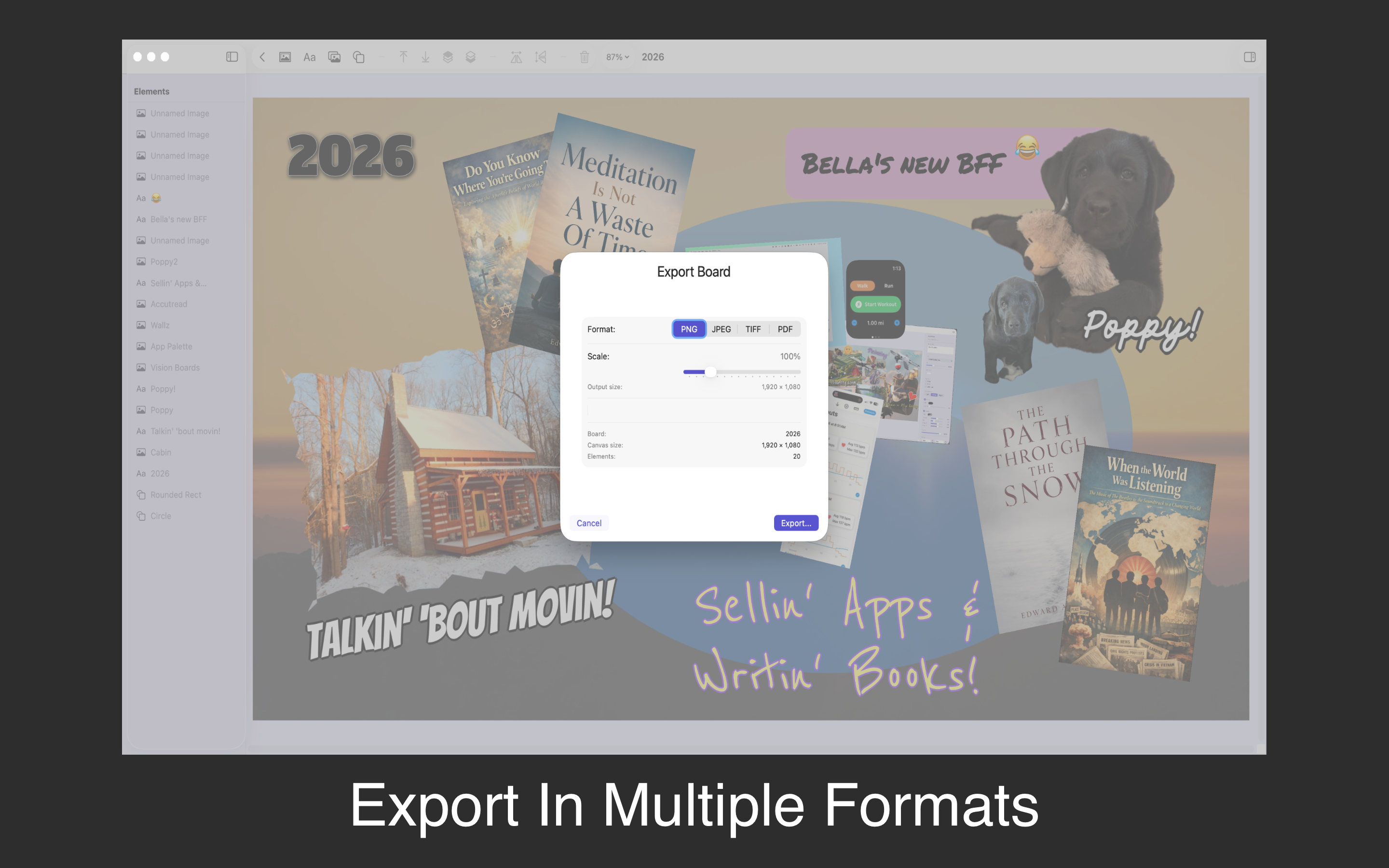
Export Anywhere

Save your board as a high-resolution PNG, JPEG, or PDF at up to 4× scale — ready to print, frame, or share.

🔒

Private by Design

Every board lives locally on your Mac. No accounts, no cloud, no tracking. Your dreams are nobody's business but yours.
Your vision, always in view

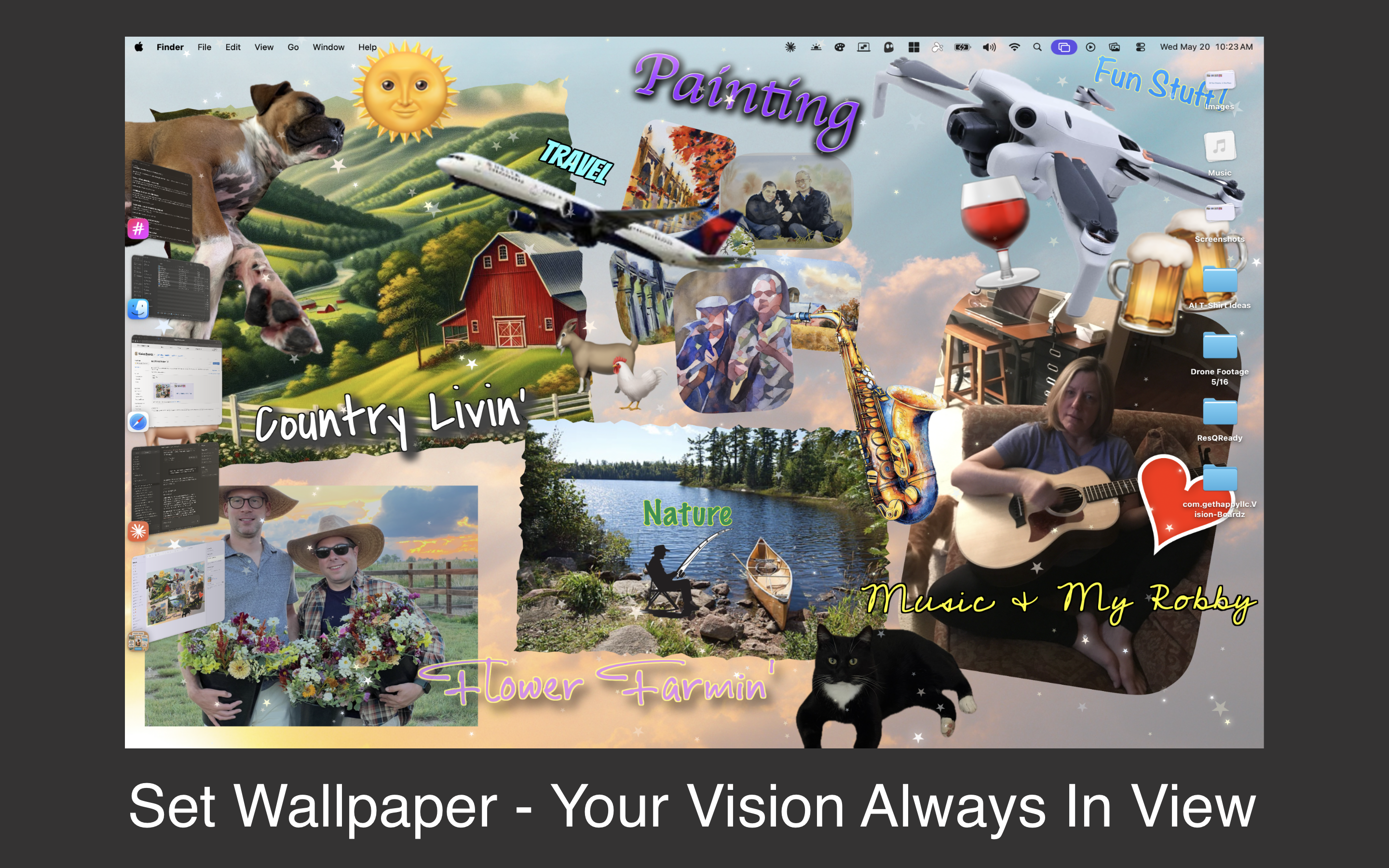
The most powerful vision board is the one you see often. Set your finished board as your Mac desktop wallpaper, and every time you open your laptop your goals are right there waiting for you.

A Vision Boardz board set as a Mac desktop wallpaper

A canvas for everything you want

A clean, modern, macOS-native editor with an inspector panel, element list, and live preview.

Designing a vision board in the Vision Boardz editor

Drag, drop, resize, and style every element on the board

Exporting a vision board to PNG, JPEG, or PDF

Export to PNG, JPEG, or PDF at up to 4× for print

Clean cut-outs, built right in

Drop in any photo and lift the subject from its background in a single click — no other apps, no extra steps.

Removing the background from a photo inside Vision Boardz

Sixteen backgrounds, ready to use

Never start from a blank canvas. Pick a texture that fits the mood — or use your own image.

Cork Board Burlap Canvas Clouds Marble Paper Wood Watercolor Scrapbook Grid Bokeh Splat + more
Choosing a background texture in Vision Boardz

How It Works

1

Create a Board

Start a new board from your gallery and pick a background — cork, marble, watercolor, or your own image.

2

Add Your Dreams

Drop in photos, type affirmations and goals, remove backgrounds, and arrange shapes until it feels like yours.

3

Live With It

Set your board as your desktop wallpaper, export it to print and frame, or share it with someone who keeps you going.

Built for dreamers and makers alike

Whether you're manifesting a new chapter or designing a creative mood board.

🎯 Goal-setters keeping intentions in sight
Manifestation & law-of-attraction fans
🎨 Creatives building mood boards
🧘 Coaches & therapists guiding visualization
✈️ Travel, fitness & life planners
🖥️ Anyone who wants their Mac to feel personal

Vision Boardz at a Glance

Put your vision in view.

🖼️

Unlimited Boards

One elegant gallery for every dream

✂️

Background Removal

Clean photo cut-outs in one click

🖥️

Wallpaper Mode

Your board as your desktop backdrop

🔒

Privacy First

Local-only. No tracking. No accounts

A native macOS app. Runs on Apple Silicon and Intel Macs.

Start building the life you see

Vision Boardz is available now on the Mac App Store — a one-time purchase, with no subscriptions, ads, or tracking.

Download on the Mac App Store